
I am looking to split my content into columns. I have in the content a background that looks like a blank book I would like to make it so that when I create page, blog or pretty much any content look as if its a written words on the blank pages. I tried to use the Columnizer jQuery Plugin and I have partly been able to get it to work but not right. Someone has suggested trying to do it with CSS3 but I want it to work IE 7+ chrome and Firefox. I was told the CSS3 would not work on the IE right does anyone have any other ideas. I know that I could hard code each page and blog with CSS but that would not be helpful to someone like my wife. so I need it be be done on the fly be the system. anyone have other ideas I am willing to try just about anything right now.
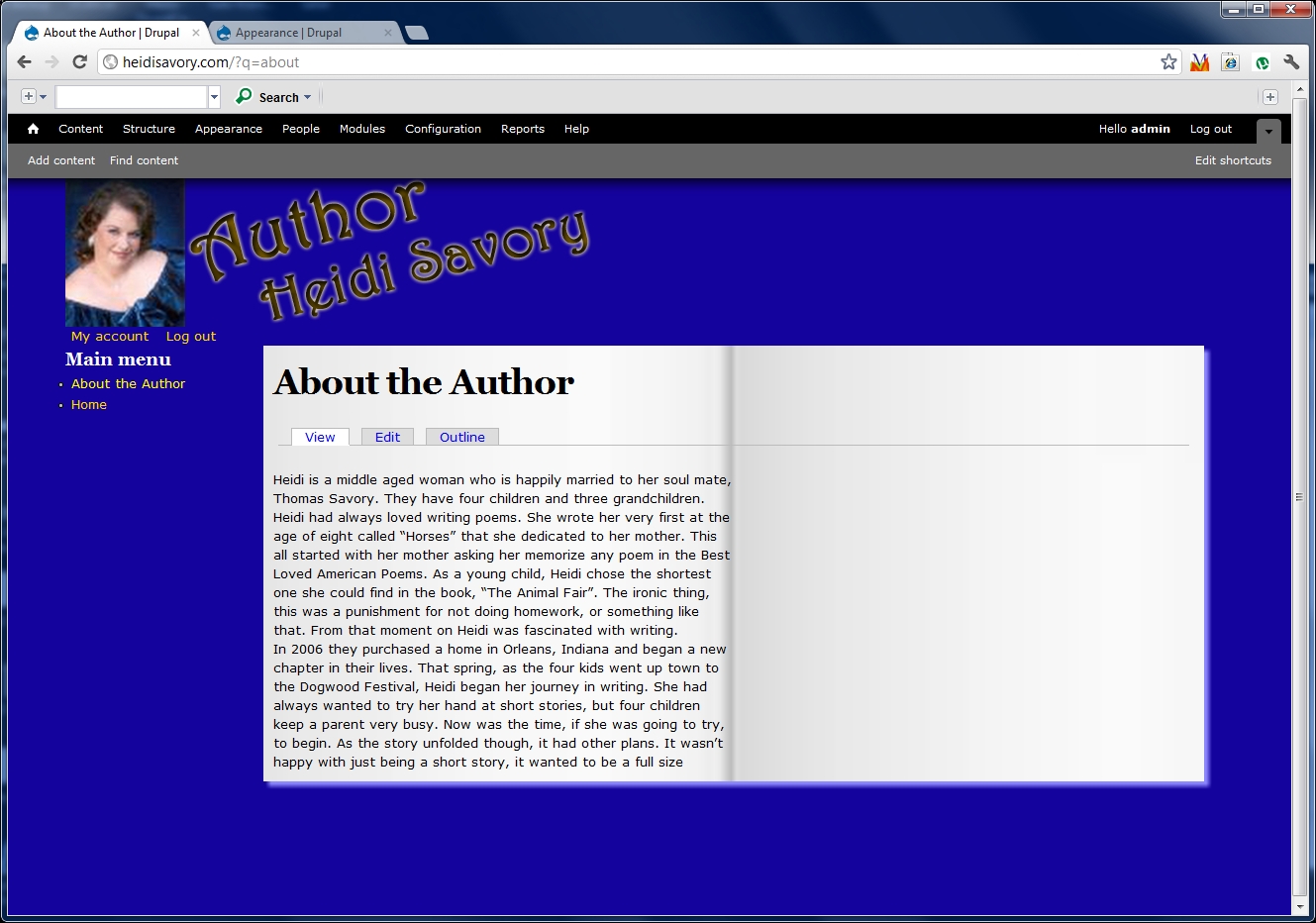
Screen capture 2 is where column one should break and the rest should be in column 2
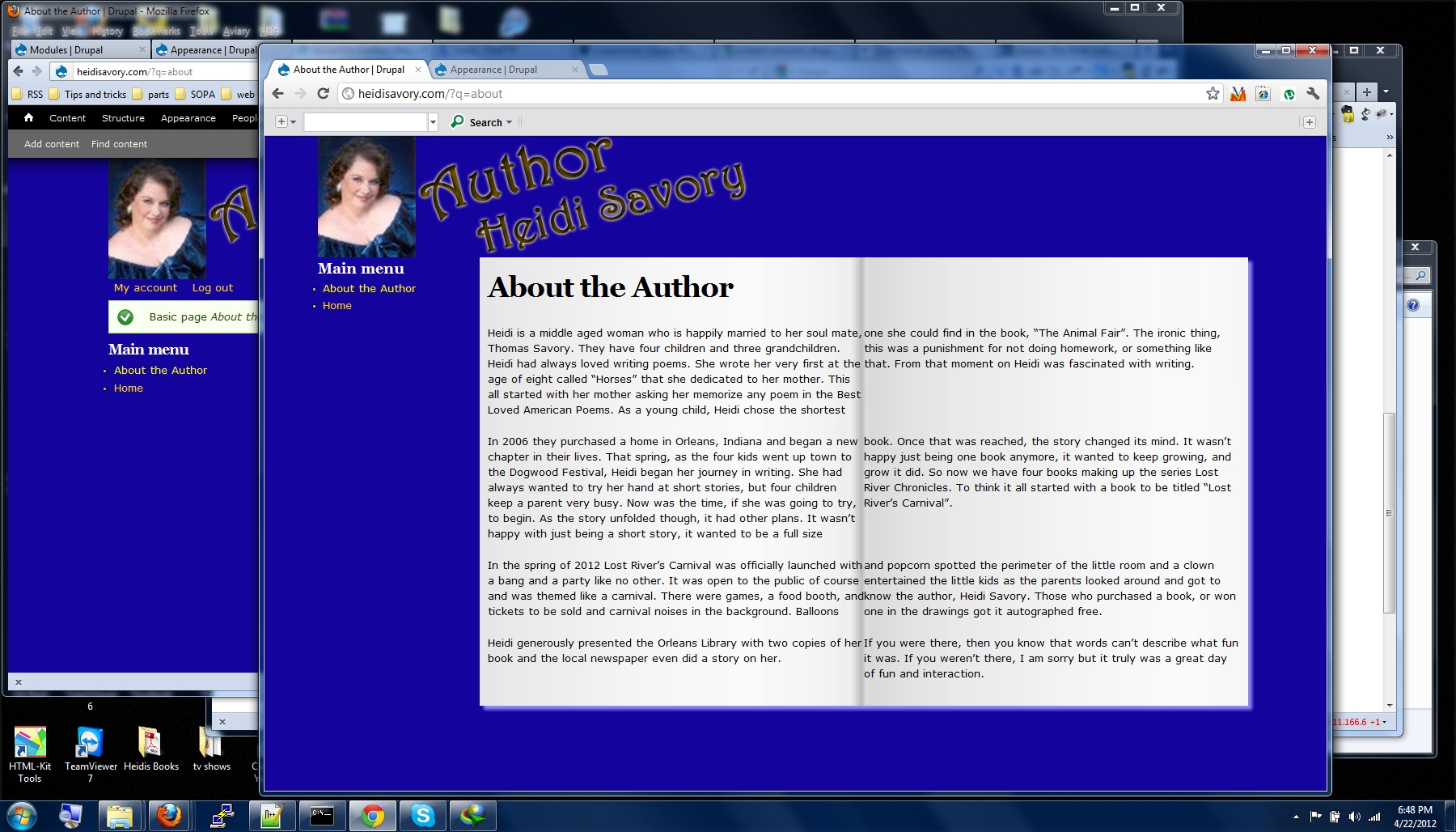
Screen Capture 3 is how it breaks after a paragraph. I need it to break the content as a whole not the individual paragraphs.
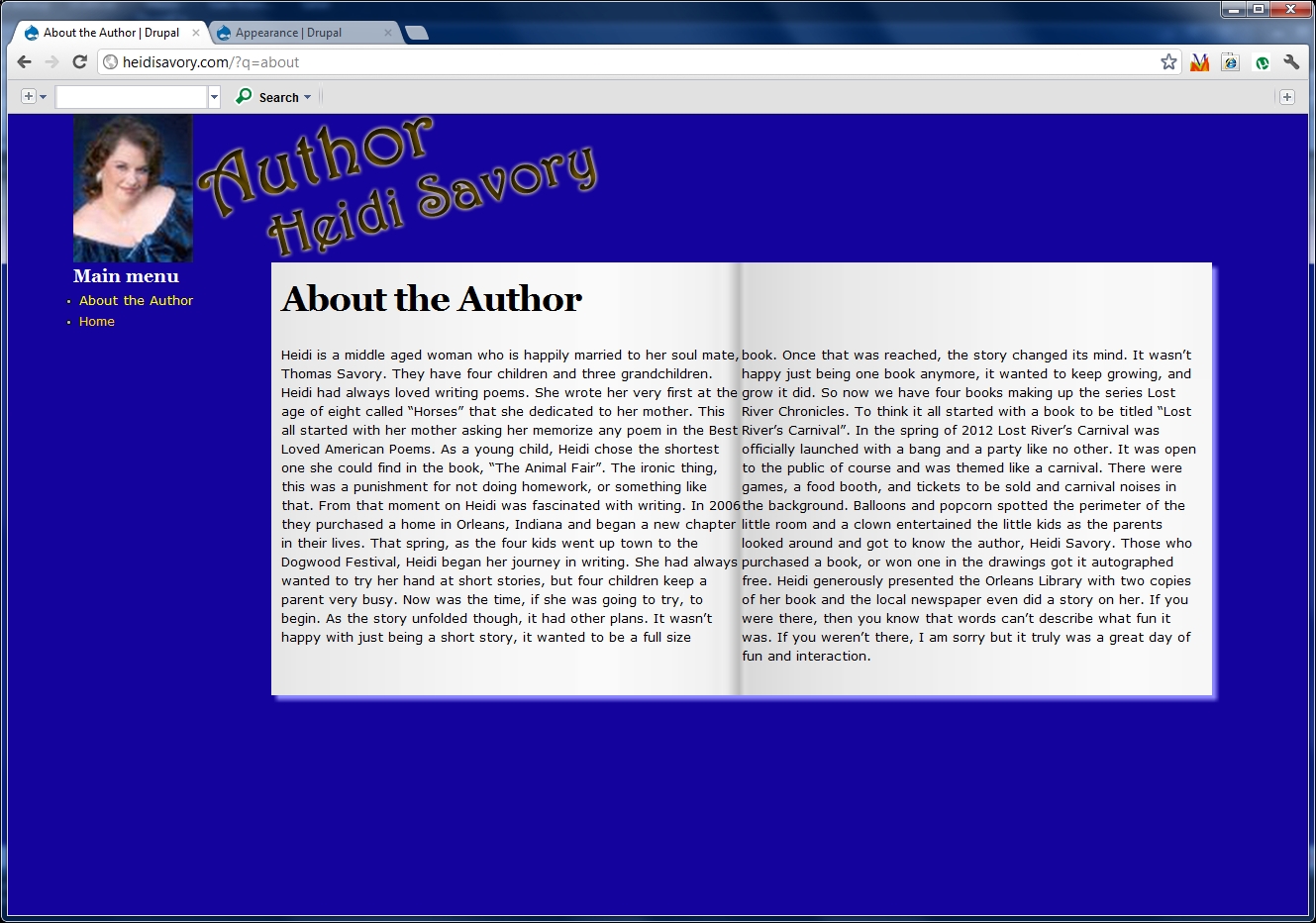
Screen Capture 4 is how it breaks if I make it one long paragraph and that is the closest I guess but still not right.
I have created a paste-bin that has the two JS files located at http://pastebin.com/zz9LzeWN
And it won't break in FF 11.0 on windows 7 but someone said it did on FF 11 on a mac.
Update It started breaking in FF 11 yes now to get it break right.
| Attachment | Size |
|---|---|
| Screen Capture 3.JPG | 876.16 KB |
| Screen Capture 2.JPG | 460.75 KB |
| Screen Capture 4.JPG | 619.81 KB |
Comments
You could try Views Column
You could try Views Column Class…
http://vimeo.com/28416526
http://drupal.org/project/views_column_class
Omega is based on 960gs so you need to add the correct classes to get the correct margins & column widths.
http://960.gs
Tried but with me having
Tried but with me having sidebar first it does not seem to work. Maybe I am missing something when setting up my views but I have not played in views much so I would not know what.
Plus from what I seeing in the video that is with multiple content I want to columnize one content. Such as the about page I want the content from it in 2 columns. Not a few pages and a few blogs on one page but in columns. Does that make since?
I added info and pictures to the original post hope it explains it better?
This is not views - just a
This is not views - just a basic, unaltered article. There is no extra css and the display is standard Drupal node display.
The problem is that this only happens in Firefox. Chrome and IE handle this as expected. I would have thought that if there was a problem it would have to do with IE and not Firefox.
Thanks
not going to give up
I have been fighting with this for more than a week but I am not going to give up. I think that the problem may be in the theme-script.js which uses drupal behaviors.
(function ( $ ) {
Drupal.behaviors.jslibColumnizer = {
attach: function (context, settings) {
// we need to define what object we want to
// add the script to.
$('.node-page .field-name-body .field-item p:not(columns-processed)', context)
// DO STUFF
.addClass('columns-processed').columnize({ columns: 2 });
}
};
}( jQuery ));
is there a way I could maybe add the same type functions to a template or process file.
I don't think this part is right either p:not(columns-processed) as I don't want all
<
p> to be columnized I want the whole content body to be columnized
tried replacing
I have tried replacing the p:not with my own such as c:not and added to the beginning of the body text and to the bottom and the first paragraph split fine but the rest just spanned the rest of the content area.
try this: (function ($)
try this:
(function ($) {
Drupal.behaviors.jslibColumnizer = {
attach: function (context, settings) {
// we need to define what object we want to
// add the script to.
$('.node-page .field-name-body .field-item p:not(columns-processed)', context)
.addClass('columns-processed').columnize({ columns: 2 });
}
};
}( jQuery ));
/*
I just removed a comment and some spaces ...
*/
More of the same
it split each
<
p> into columns so the first paragraph it split between the two columns and the so is the 2nd 3rd and 4th where I am looking for all of paragraph 1 and part of two on the left page but the rest of 2 and all of the 3rd and 4th on the right page.
if you just want to test
if you just want to test behaviors remove
$('.node-page .field-name-body .field-item p:not(columns-processed)', context)
.addClass('columns-processed').columnize({ columns: 2 });
and replace it with:
alert("Hello world");
for testing ...
its working
I replaced and the alert box came up fine