
Posted by 3djeff on December 18, 2012 at 10:23pm
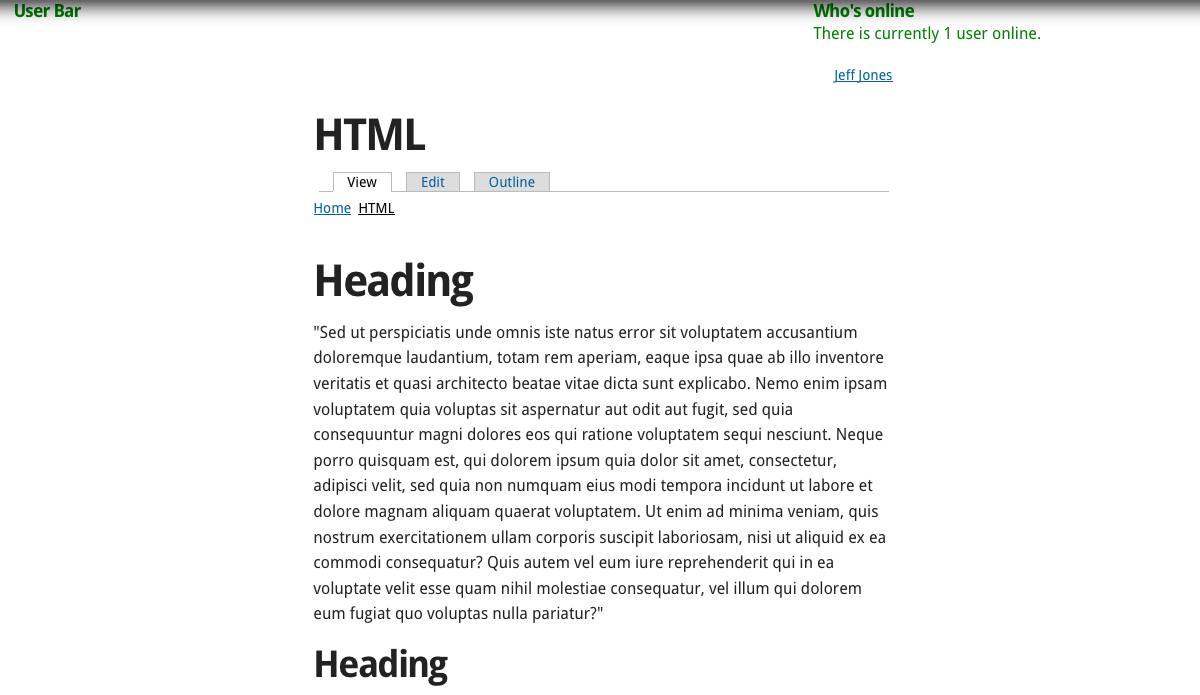
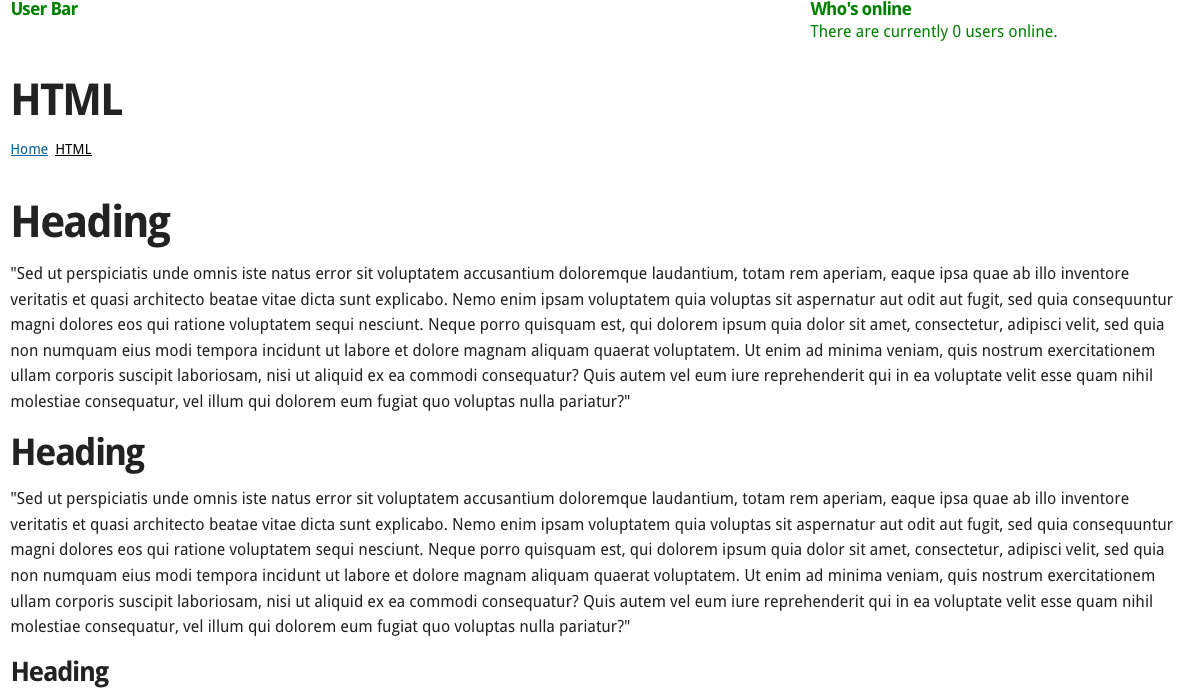
When logged in, my sidebars are showing up even though there is nothing in them. When logged out, they are not showing up and the content displays across the entire page, as I want it.
My set up for the Content Zone:
Content Region set as Primary Region
Sidebar First: 3 columns, Content: 6 columns, Sidebar Second: 3 columns
I want the content to display across all 12 columns if there is nothing in either sidebar. It works when logged out, but not logged in. I've read that turning off the Debugging settings sometimes fixes this, but that has not worked for me.
| Attachment | Size |
|---|---|
| logged in.png | 88.05 KB |
| logged out.png | 114.76 KB |
Comments
Problem Solved!
This was caused by a setting in Context module.
By default, in the 'context settings' at /admin/structure/context/settings
the below setting box was checked.
Show all regions
Show all regions including those that are empty. Enable if you are administering your site using the inline editor.
This causes regions to be rendered when logged in as an admin. Unchecking it solved the problem.