Posted by marcelolaia on March 15, 2013 at 5:45pm
Hi,
I have been used a tutorial made by rolando.isidoro found here (groups) to change my front page. Like this:
- Access the Context settings area using this URL http://your-openscholar-domain.com/admin/build/context/list
- Locate the sitewide_front context under the openscholar > section namespace and click the Override link;
- In this form click on the Edit tab located on the top left below the Context title;
- From here you can disable the blocks that are active from default, like OpenScholar: Video info or OpenScholar: Mission Statement, and add your own, like you would do on any Drupal powered website;
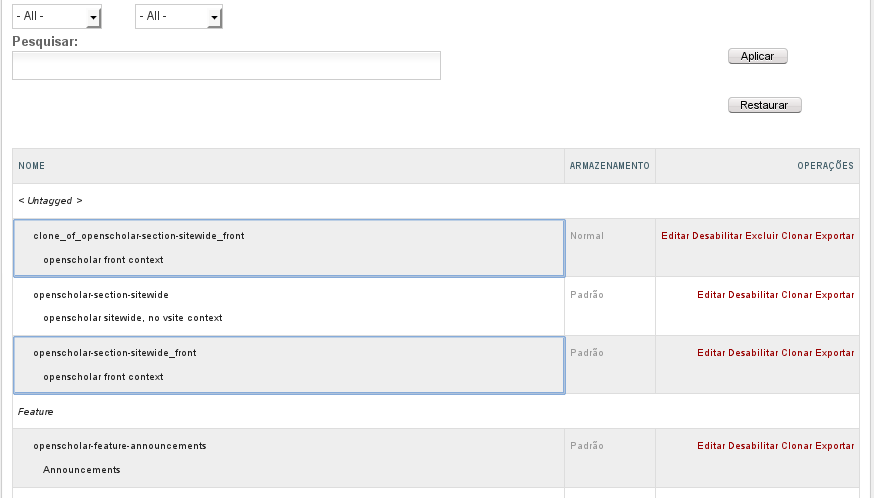
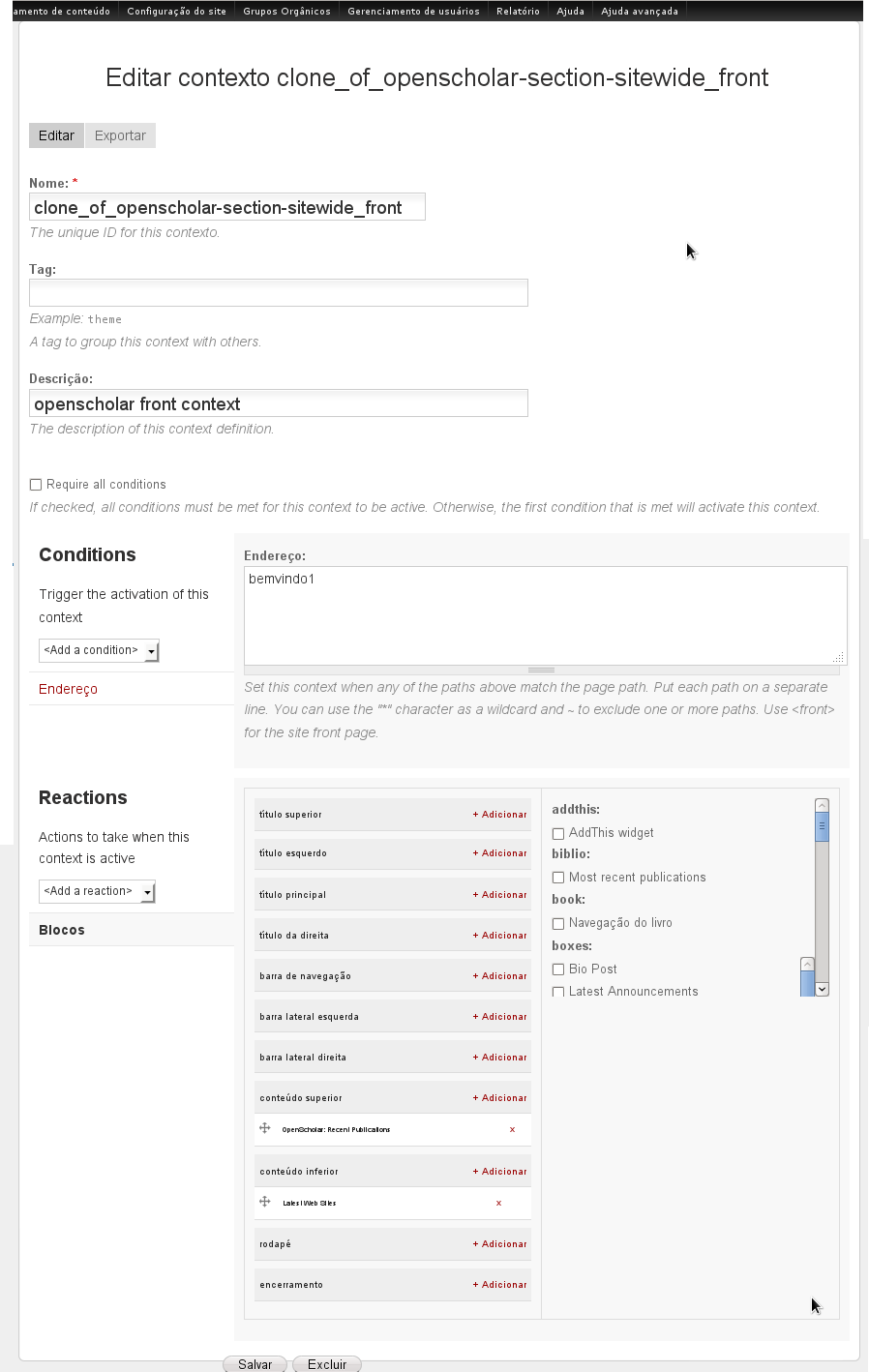
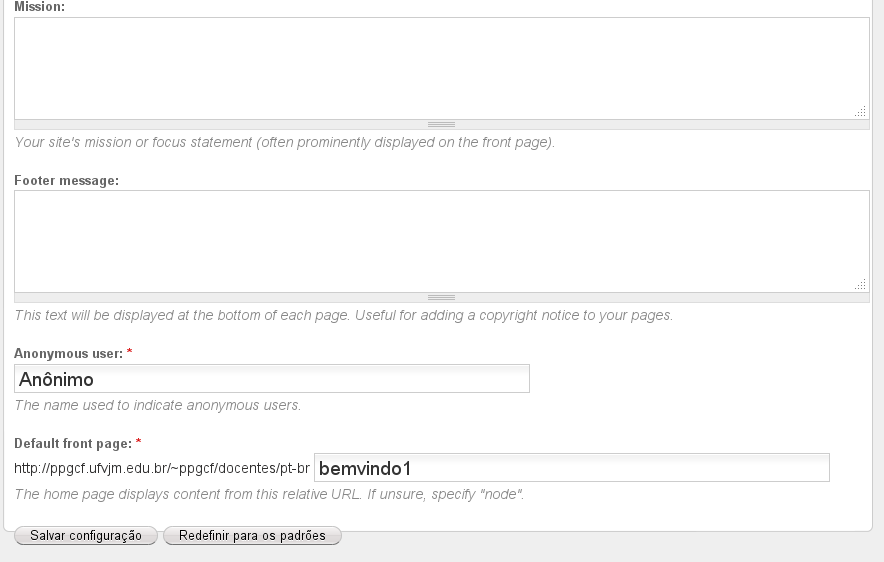
Instead of override, I have been cloned the openscholar-section-sitewide_front (attach 1) and made the changes I need. I labeled it "bemvindo1" (attach 2). I go to /admin/settings/site-information and set Default front page as bemvindo1 (attach 3). However, when I push save button, I got the error message: The path 'bemvindo1' is either invalid or you do not have access to it.
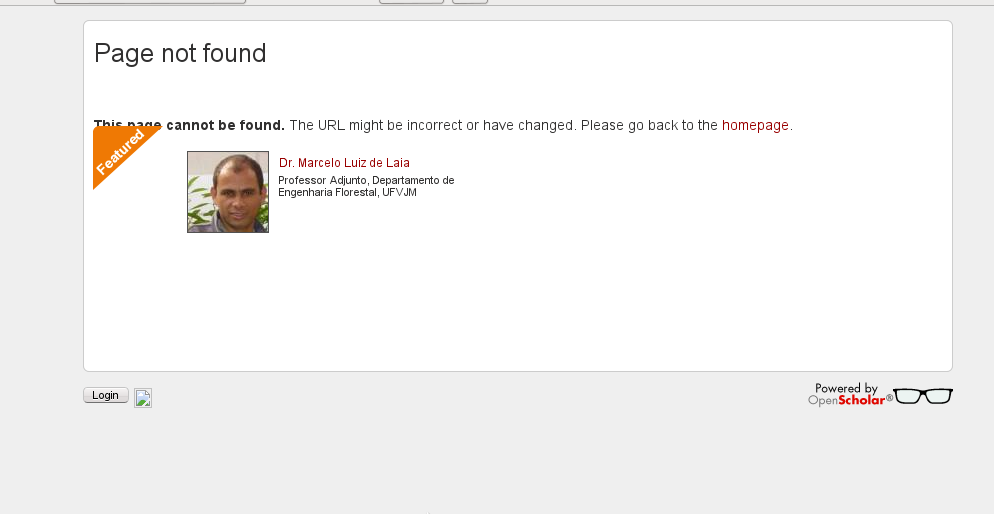
But, I can access the bemvind1 page by browser. Please, see the attach 4.
Please, what was missing? Am I wrong? Thank you very much!
| Attachment | Size |
|---|---|
| Captura de tela de 2013-03-15 14:19:53.png | 22.04 KB |
| Captura de tela de 2013-03-15 14:24:03.png | 89.05 KB |
| Captura de tela de 2013-03-15 14:34:47.png | 30.12 KB |
| Captura de tela de 2013-03-15 14:39:15.png | 35.75 KB |