
H5P is a Drupal module that allows you to make your videos interactive. Directly in your browser. Much the same way as with Popcorn Maker
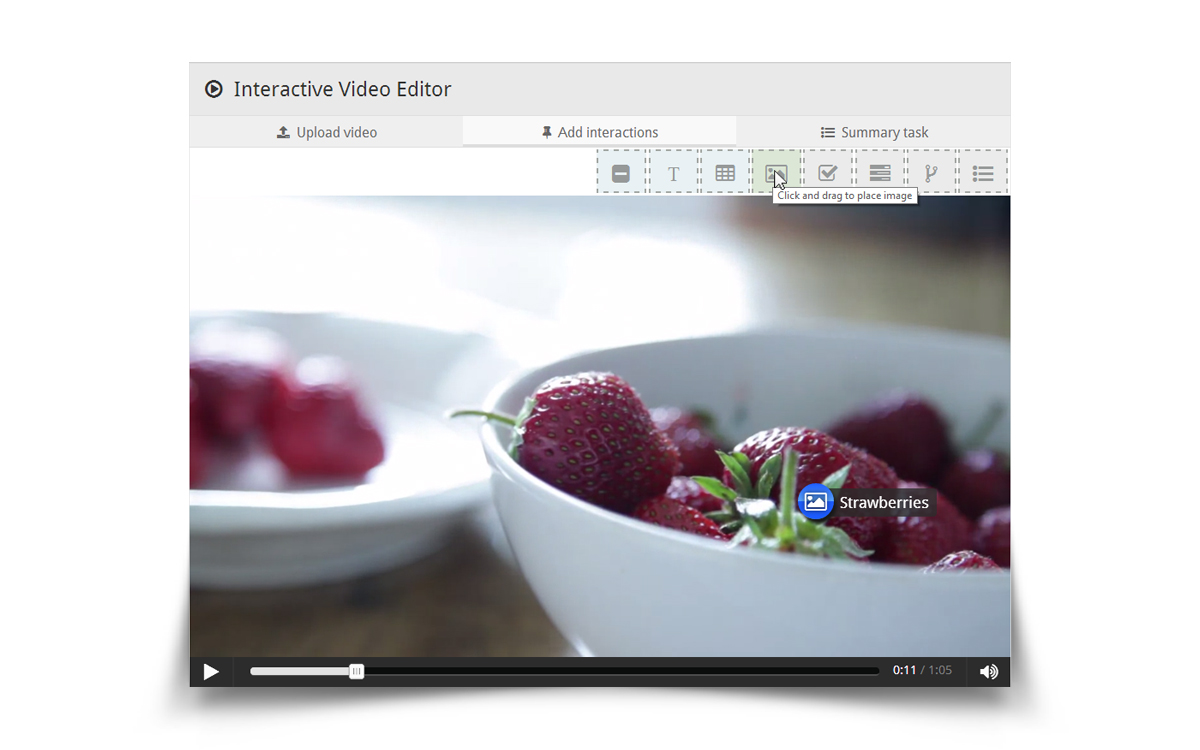
Interactive video is perhaps the most exciting content type available so far in the H5P ecosystem. Using a simple drag and drop interface in your favorite web browser, you can integrate interactive elements to enrich the video experience.
Allow me to introduce some of the features:
- Add puzzles for users to solve at any given time in the video
- Multiple choice
- Drag and drop
- Fill in the blanks
- Summaries
- Use images, tables and text boxes to provide users with in-depth information at any given time in the video
- Add subtitles
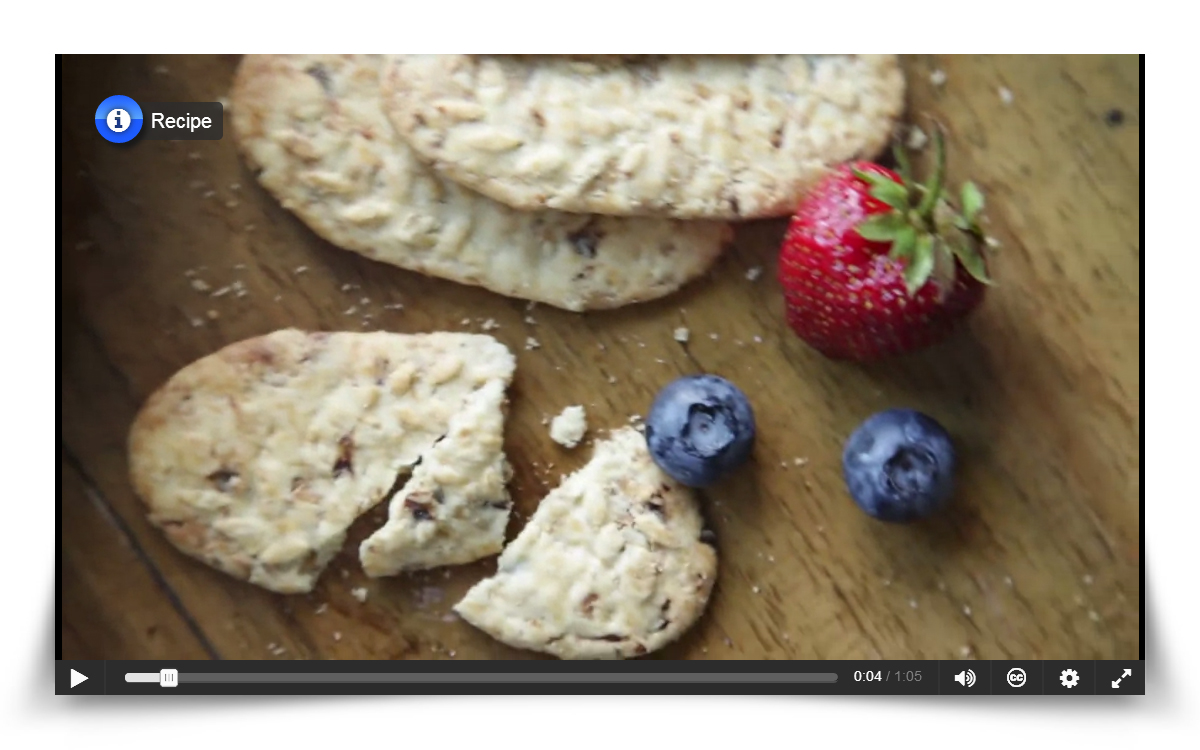
Interactive videos are mobile friendly and works great on iPads and other tablets.
See how this video about making a delicious berry smoothie has been transformed into an interactive experience.
Or even better, try for yourself! Create your own interactive video on the H5P demo site: demo.h5p.org.
As always with H5P, you can translate all text used in the interface to your own liking directly in your browser. H5P is also streamlined for using openly licensed content, such as Creative Commons images and videos. Appropriate accreditation of content authors is built in.
H5P content, such as Interactive Video, is packaged into a single file which can be downloaded and moved across websites.